What's new
DoneAdditions and improvements, newest first.
Add text to your gradient
Write a short line of text over the gradient. Pick from eight fonts, then adjust size, weight, color, alignment, letter spacing and a soft shadow. The text scales with the canvas format and can be included in your image and video exports.
An interface closer to its sister brands
Gradient Studio was our first project, so its interface had room to grow. We made a round of adjustments to the layout, spacing and controls so it looks and feels more like the rest of the family.
Rotation dial
A small dial on the canvas for Linear, Stripes and Prism. Drag around it like a knob to turn the gradient (the further the pointer goes, the finer the control), click to turn by 45° and use the arrow keys for 1°; hold Shift to step by 15°. Prism switches between vertical and horizontal.
Kinetic chromatic lines
New presets that simulate a modern kinetic chromatic line: a band of colors stretched in sequence, like light in motion. Ember Tide is the first one in the library.
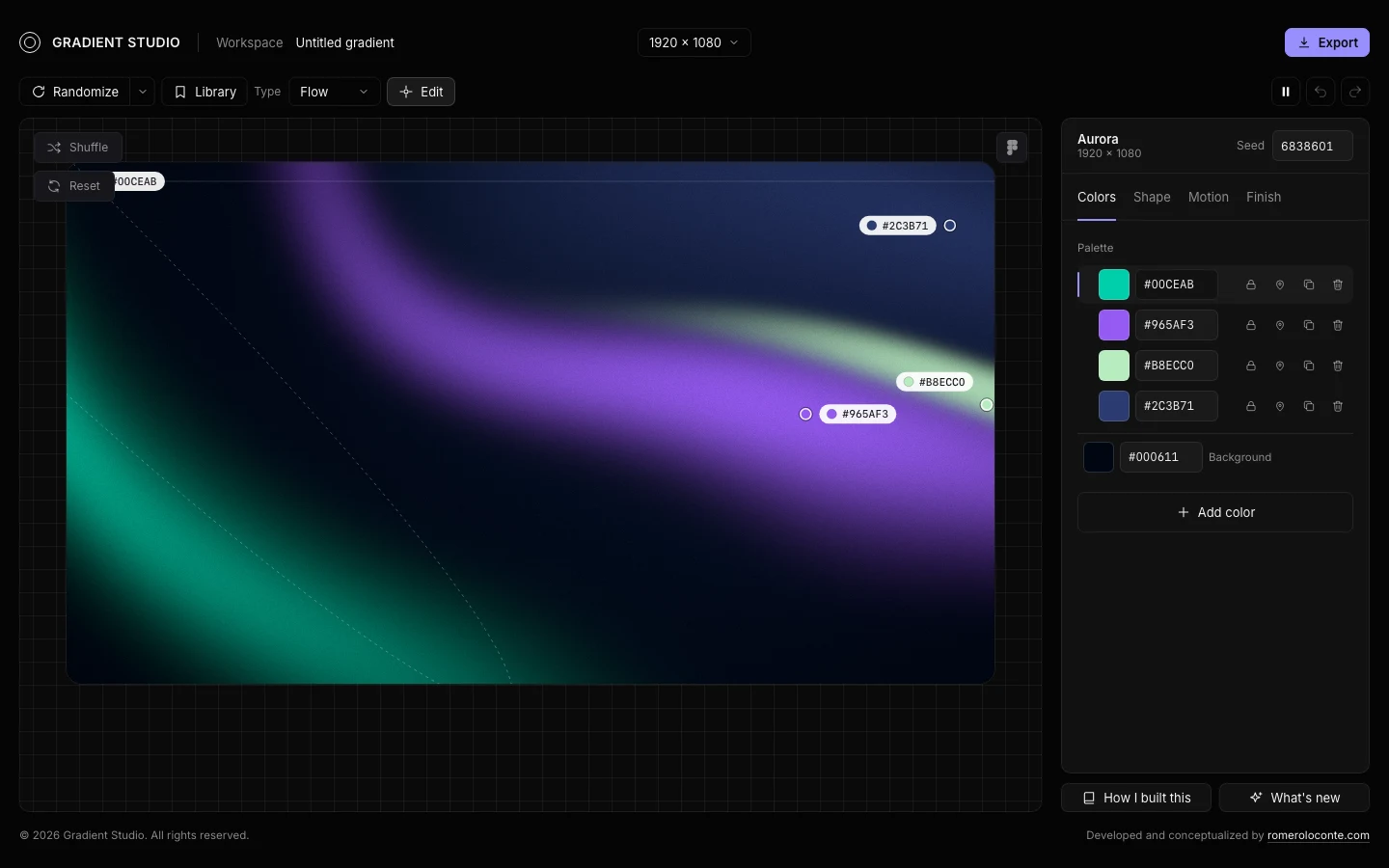
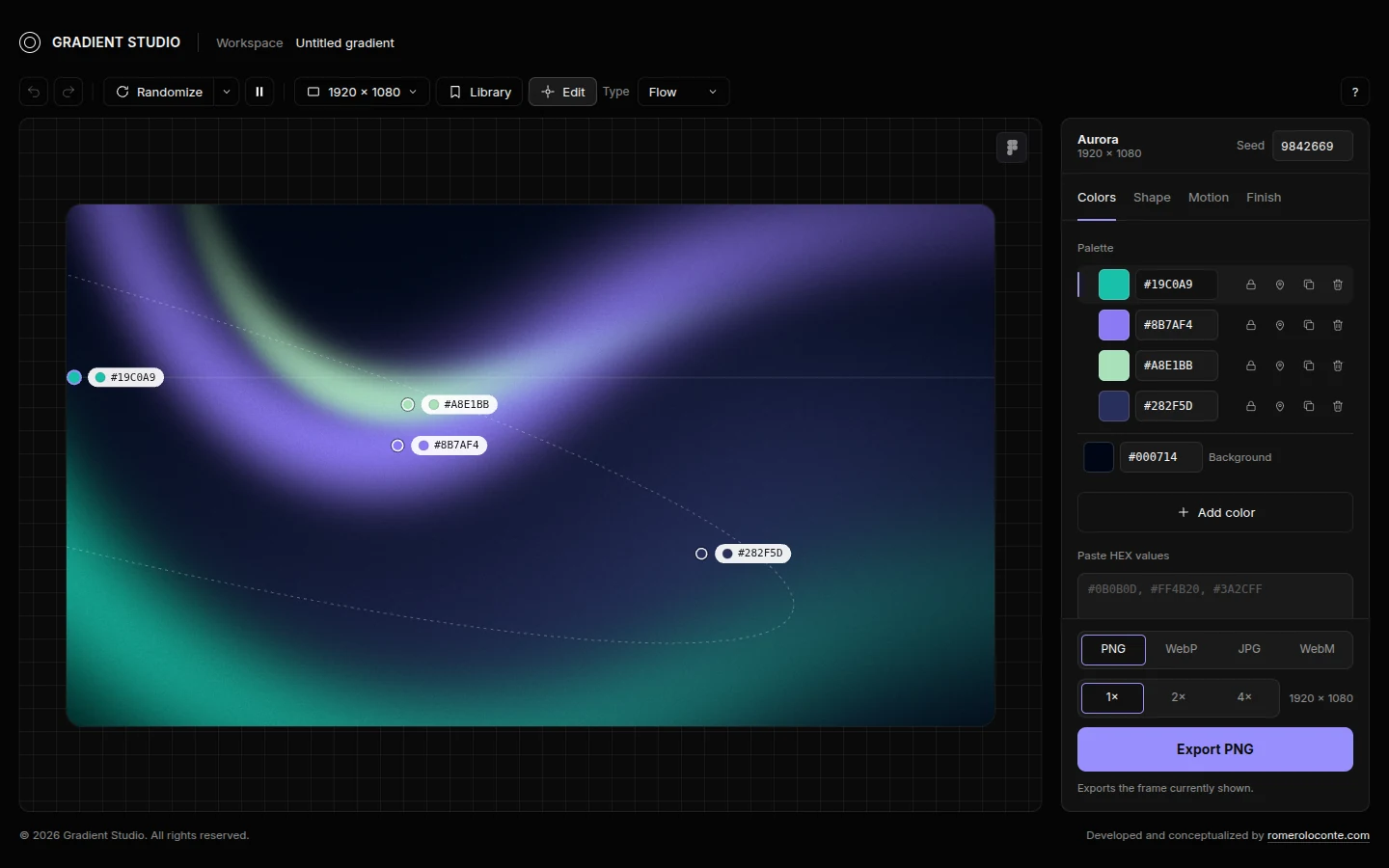
A simpler interface
We reduced the number of actions that weren't working and grouped the rest, so the interface is simpler and the way you interact with it is different.
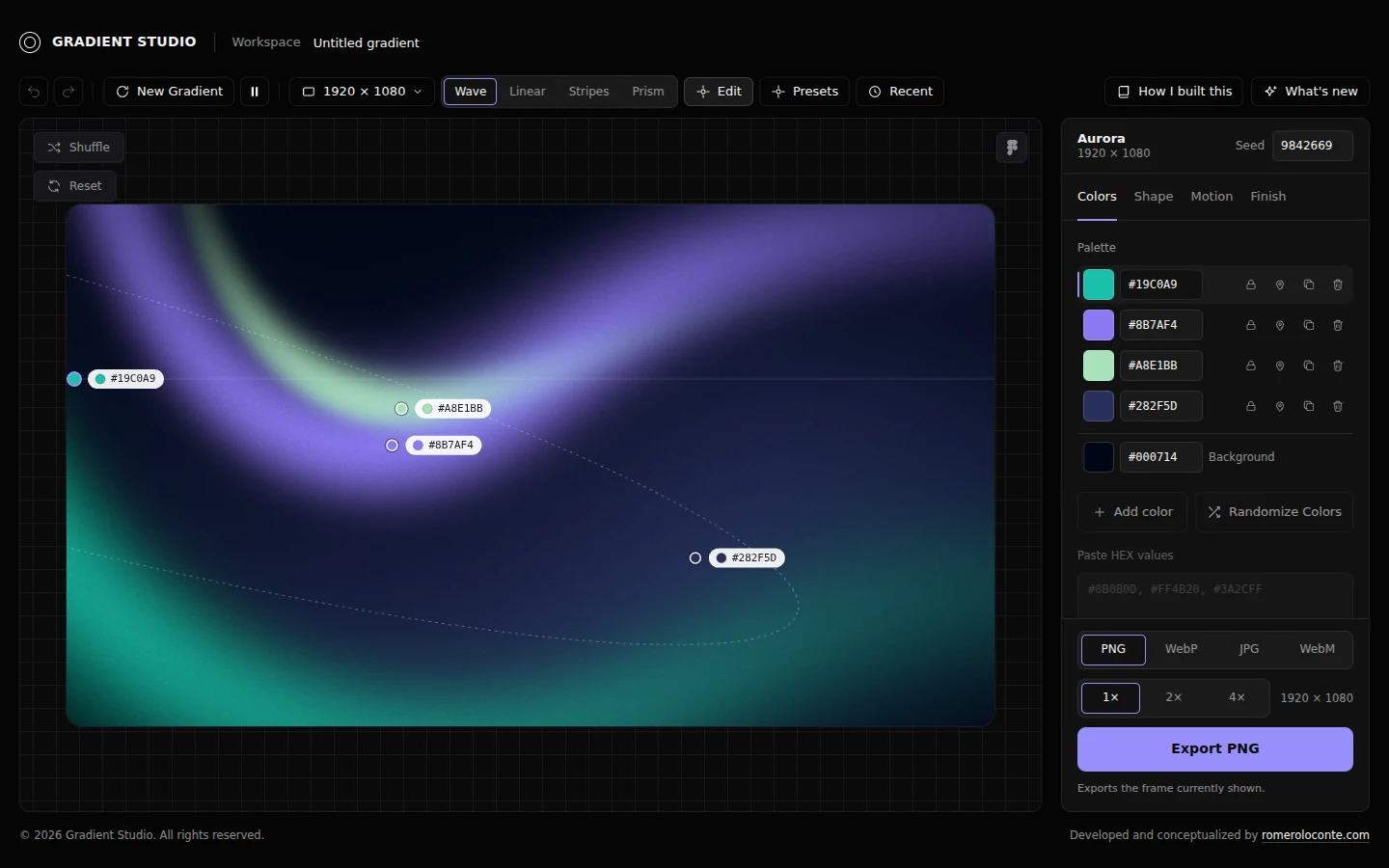
Linear, Stripes and Prism
Three new types of gradient, so picking a shape is easier and faster.
Shuffle and Reset on the canvas
Two buttons on the canvas. Shuffle reorders the colors among the points without changing the style of the gradient, and Reset brings back the palette it started with.
Hex codes on the canvas points
Each point on the canvas now shows its color and its hex code, so reading the colors of a gradient is easier.
What's new
This page, created to show how the studio evolves, day by day.
Presets and Recent on mobile
They open as a full-width bottom sheet, in two columns, with tap-sized actions under each thumbnail.
Blank page on Vercel
The base path now depends on the environment, so the app works on Vercel and on GitHub Pages.
Hover actions on thumbnails
Rename, edit, duplicate and delete, in Presets and in Recent. Delete asks for a second click, and Recent also gets “Save as preset”.
Mobile header
The logo keeps its proportions on a single row, and “How I built this” moves into the toolbar.
Copy to Figma
The icon turns into a check when the gradient is copied.
Header
The recipe and the canvas size now sit next to the logo.
How I built this
The story of the project, the two prompts to make your own, and a link from the top of the app.
Mobile layout
Settings open as a bottom sheet, the toolbar wraps and the footer stacks.
Simpler export
Custom dimensions are gone from the export panel: the size comes from the canvas format.
Presets and Recent menus
Several rounds of adjustments, plus “Restore defaults” for presets and “Save as preset” from Recent.
Copy to Figma
One click copies the gradient as an editable vector.
Preset menu
Right-click a preset to rename, edit, duplicate or delete it.
Footer credit
© 2026 Gradient Studio, created with Artkode.
Selectable presets
A library of ready-made gradients you can pick, instead of only random ones.
Live on GitHub Pages
Published automatically with GitHub Actions on every push.
Gradient Studio
First commit: WebGL2 renderer with canvas fallback, six recipes, warped and stretched fields, point editor, undo and redo, Recent, PNG, JPG and WebP export, WebM video, and the violet and black interface.